|
This site uses own and third-party cookies that allow us to improve your browsing experience and perform analysis tasks that help us improve the service. If you continue browsing, we consider that you accept its use. |
ACCEPT |
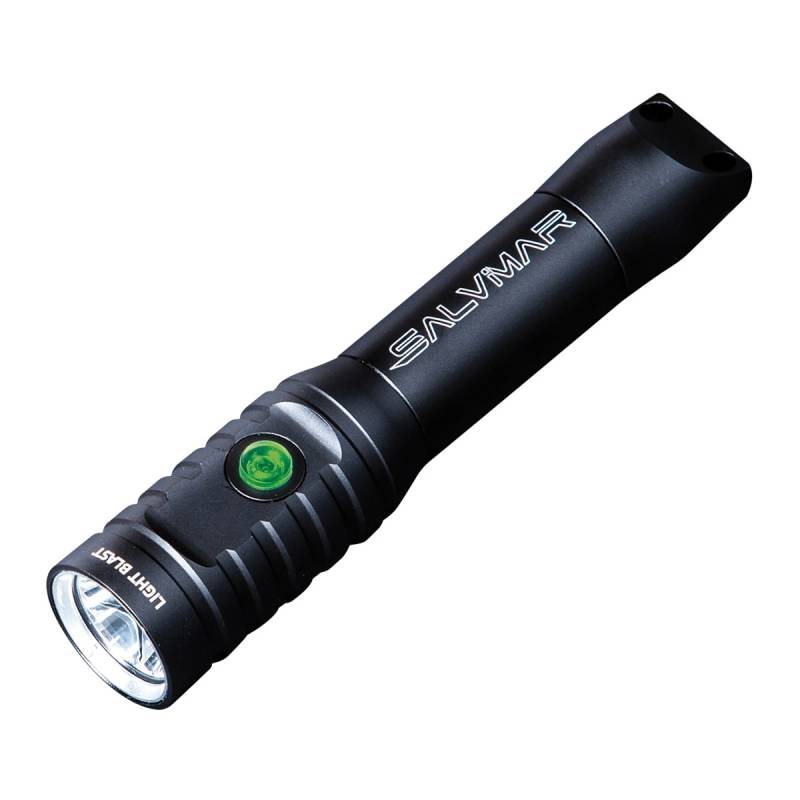
Salvimar Light Blast
Salvimar Light Blast
CHARGE INDICATOR:
The LED on the power button indicates the battery charge level. When the battery charge is more than 50%, the LED indicator is solid green, between 50% and 30% it is solid red, less than 30% flashes red.
BATTERY INSTALLATION:
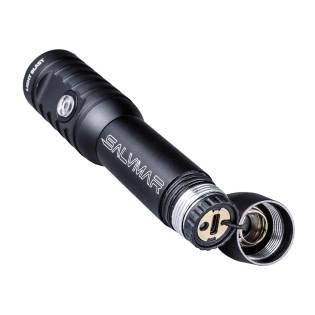
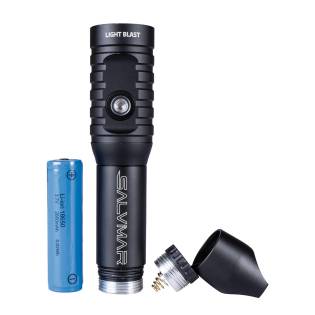
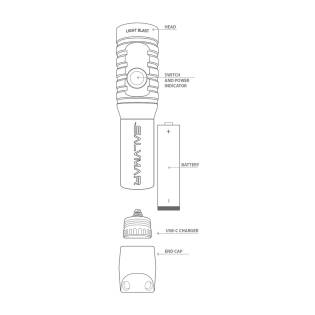
Unscrew the back cover first and then the internal USB cover. Insert the battery checking the polarity as shown in the image and screw on the caps. Do not overtighten to avoid breaking the joints.
BATTERY RECHARGE:
Unscrew the back cover, use the supplied USB-C cable to connect the flashlight to a suitable source (adapter/computer/etc.) During charging, the LED indicator shows a solid red light, when the indicator turns green, the battery is loaded.
Salvimar Light Blast